There are way too many PDF tools now.
A few years ago, the problem was the opposite. Most people only knew Adobe Acrobat, and everything else looked unreliable or outdated. Today, the market flipped completely. Search for a PDF watermark tool, and you get endless tabs promising “fast,” “free,” “easy,” and “professional” editing.
A lot of them technically work. That does not mean people enjoy using them.
Some editors still feel like software built for office administrators fifteen years ago. Others try so hard to look modern that basic actions become weirdly difficult. Then there are tools that hide watermarking behind subscriptions after you have already uploaded the file.
The difference between a decent watermark tool and a frustrating one usually becomes obvious in the first two minutes. Does the editor load quickly? Can you move the watermark without fighting the interface? Does the exported PDF actually look clean afterward?
That is what people notice.
Especially now, when watermarking has become part of normal online work. Creators add logos to downloadable products. Teachers watermark worksheets before uploading them. Agencies mark drafts before sending them to clients. Small businesses label internal reports so documents do not end up floating around without context later.
The tools below are the ones people keep coming back to in 2026 because the workflow feels manageable instead of exhausting.
1. Watermarkly
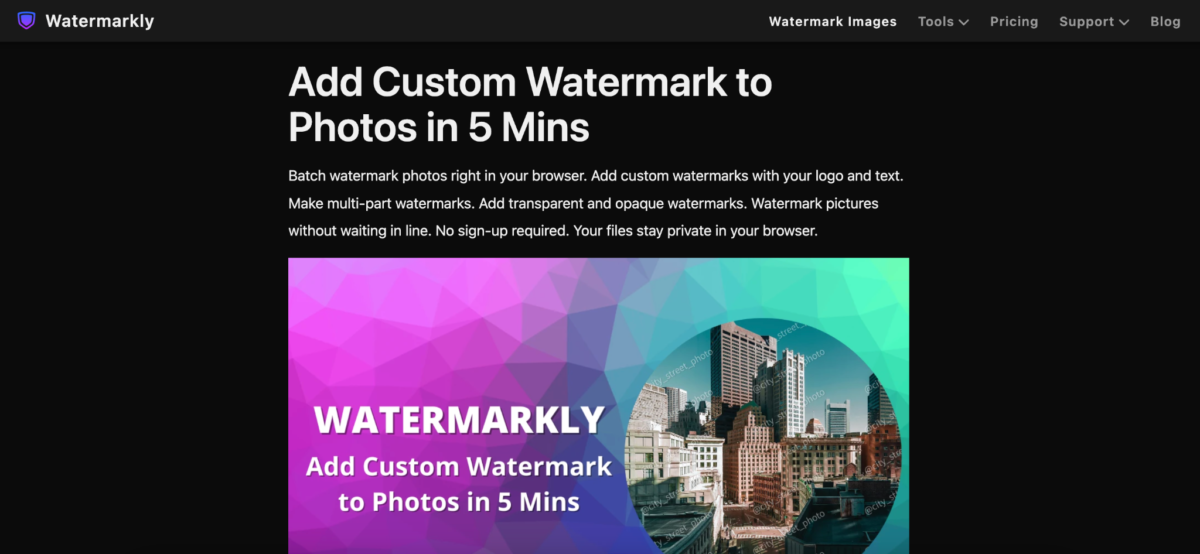
Some PDF editors make watermarking feel bigger than it actually is.
Watermarkly does the opposite.
You open the site, upload the file, place the watermark, export the PDF, and that is basically the whole experience. No crowded dashboard. No giant sidebar full of features most people never planned to use.
That simplicity is probably the biggest reason the tool keeps showing up in creator workflows and small business teams.
The editor supports:
- Text watermarks
- Logo overlays
- Opacity controls
- Flexible positioning
- Font customization
- Rotation settings
- Repeating watermark patterns
One thing that stands out immediately is how visual everything feels. You are not digging through menus trying to understand document terminology. You move the watermark directly on the page and see the result instantly.
A lot of browser-based PDF editors still struggle with that.
Watermarkly also works surprisingly well on phones and tablets. That matters more now because people constantly handle documents away from their desks. Someone edits a proposal on a laptop, checks it on mobile later, then forwards it from a tablet during a meeting.
The workflow stays consistent across devices.
It fits naturally into things like:
- Branded reports
- Educational materials
- Client proposals
- Downloadable PDFs
- Worksheets
- Internal company documents
The free version adds Watermarkly branding to exported files. The mobile app allows a limited number of watermark-free exports after watching an ad.
2. Sejda
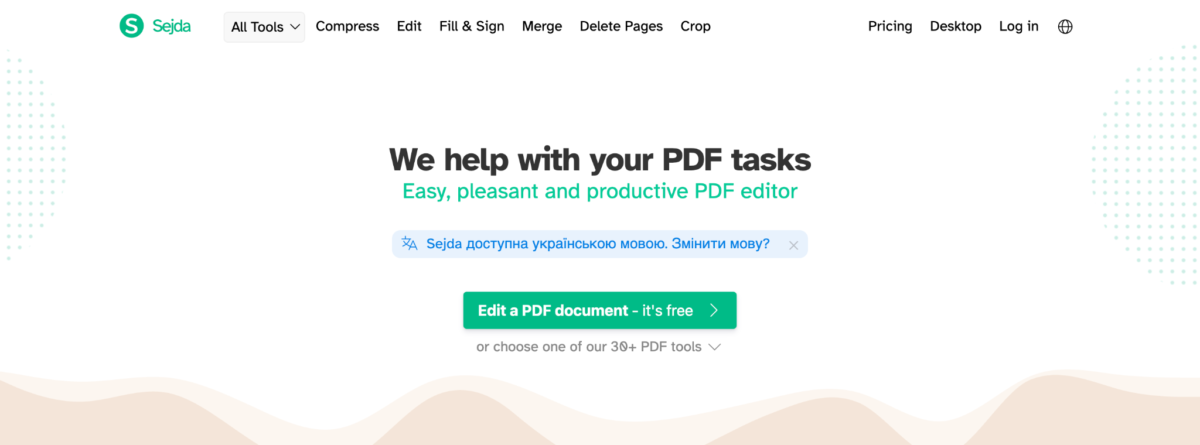
Sejda feels very different from lightweight one-click editors.
Not worse. Just different.
This is usually the tool people move toward after realizing they need more control over placement and formatting than minimalist editors provide.
A lot of online PDF tools start feeling awkward once documents become more complicated. Multi-page reports, uneven layouts, and presentations with mixed formatting. That is where Sejda starts making more sense.
Its watermarking tools include:
- Flexible positioning
- Custom page ranges
- Text and image support
- Transparency settings
- Layered overlays
The editor still stays cleaner than traditional desktop software, though it definitely leans more toward structured document editing than casual use.
You can tell it was designed for people who spend more time inside PDFs than average users do.
3. iLovePDF
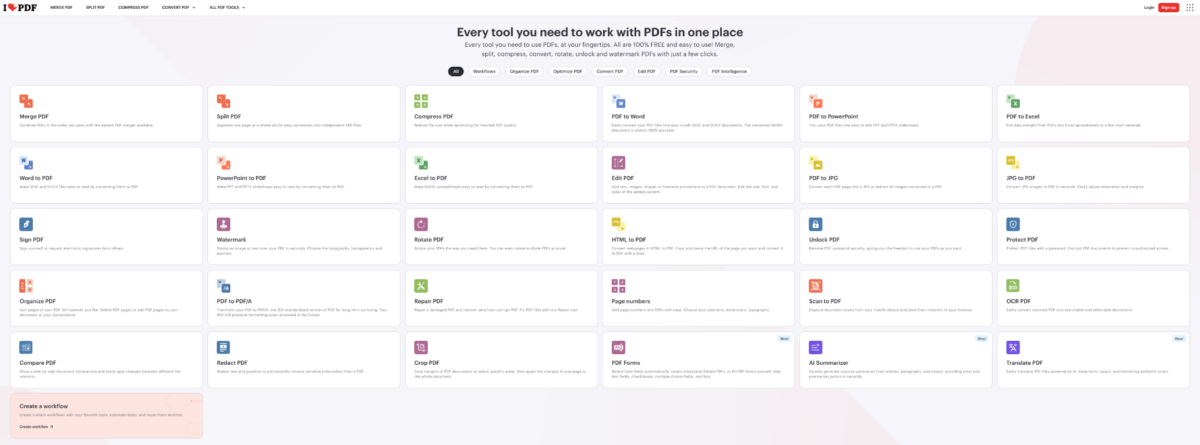
There is a reason iLovePDF keeps showing up in almost every PDF-related conversation.
Convenience.
A lot of people do not even visit the site specifically for watermarking. They already use it for compression, conversion, or merging files, so adding a watermark becomes part of the same workflow.
The process itself is extremely simple:
- Upload the PDF
- Add text or image watermark
- Adjust the layout
- Export the file
iLovePDF includes:
- Text overlays
- Image watermarks
- Opacity controls
- Page selection tools
- Cloud integrations
The interface feels predictable, which honestly matters more than flashy design in this category.
People like tools that do not surprise them.
4. Canva
Canva is a weird entry on this list because, technically, it is not really a PDF watermarking tool. And yet people use it for that constantly. Mostly creators.
Someone sells a digital planner, workbook, ebook, or template online. They already designed the file inside Canva anyway, so adding a watermark there feels natural.
Canva works especially well for:
- Ebooks
- Downloadable guides
- Worksheets
- Presentations
- Templates
The big advantage is obvious once you start editing.
Most PDF tools think like document software. Canva thinks visually. Placement feels smoother. Typography options look better. Branding is easier to maintain across files.
The downside is speed.
If somebody needs to watermark fifty business documents quickly, Canva becomes frustrating pretty fast.
5. PDF Candy
PDF Candy feels less polished than some competitors, but that is partly why certain users end up liking it.
It does not try too hard.
The interface is straightforward, the tools are easy to find, and the watermark editor handles most standard tasks without making the process complicated.
The platform supports:
- Text watermarks
- Image overlays
- Rotation controls
- Size adjustments
- Opacity settings
People who regularly switch between small PDF tasks often keep PDF Candy bookmarked because it handles multiple workflows in one place.
Things like:
- Splitting documents
- Rearranging pages
- Compressing files
- Converting formats
Not every tool needs to feel premium to be useful.
6. Smallpdf
Smallpdf has one major strength. The interface feels calm.
That sounds minor until you compare it with overloaded PDF editors full of tiny buttons and endless sidebars.
The watermarking workflow stays simple from beginning to end. Upload the file, adjust the overlay, and export the document.
The editor includes controls for:
- Placement
- Transparency
- Rotation
- Scaling
Smallpdf also works nicely with Google Drive and Dropbox, which helps people move files between devices constantly.
It is the kind of tool that casual users usually feel comfortable with immediately.
7. Soda PDF
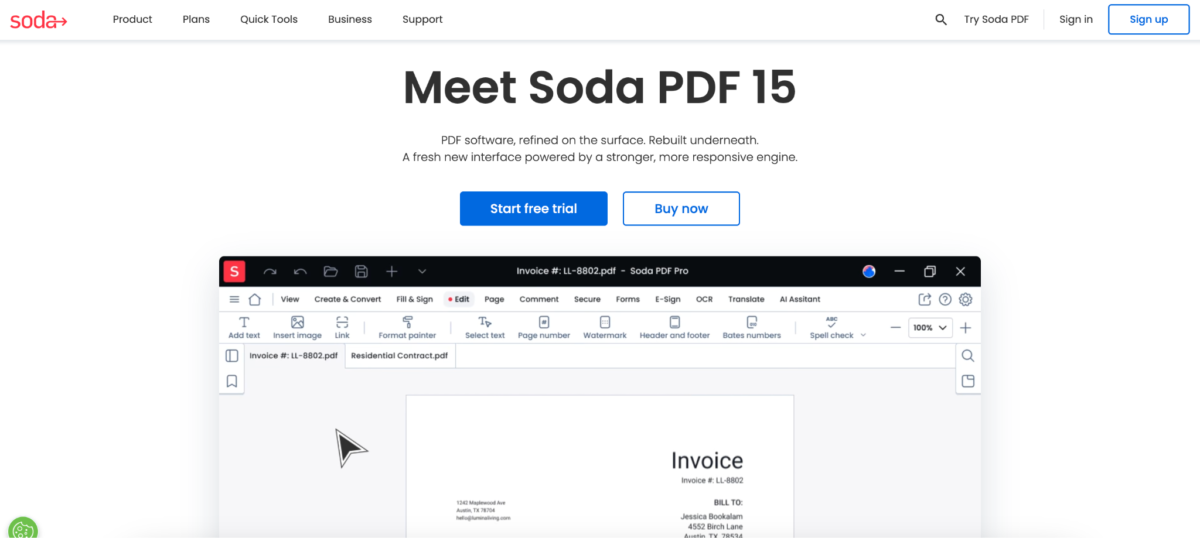
Soda PDF feels much closer to office software than creator tools.
Some teams actually need that structure. Especially businesses dealing with contracts, reports, proposals, and internal documentation every day.
The platform includes:
- Watermark templates
- Page targeting
- Cloud integration
- Document organization tools
- Batch processing support
Compared to minimalist editors, Soda PDF definitely feels heavier. But for people handling large numbers of files regularly, the extra organization tools can make workflows easier long term.
This is usually not the tool somebody opens for a quick one-page edit.
It makes more sense when document management becomes part of the job itself.
Why people stopped tolerating complicated PDF software
There was a period when everyone simply accepted that PDF editing would be annoying.
Install the software. Wait for updates. Search through menus. Fight export settings. Repeat next week.
Now that experience feels outdated almost immediately.
Most people handle enough digital tools during the day already. Nobody wants extra friction for small document edits.
Especially because watermarking itself is not complicated. The task usually takes less than a minute. What frustrates users is everything surrounding it.
The sign-up prompts. The overloaded interface. The hidden paywalls. The software behaves differently every time you open it.
That is why browser-based editors became dominant so quickly.
People got used to lightweight workflows everywhere else online. PDFs finally followed.
Watermarks became part of branding without people really noticing
Originally, most watermarks existed for protection. Now branding matters just as much.
A downloadable PDF with a visible logo continues promoting the creator long after the original upload. Agencies watermark drafts so clients immediately recognize the source. Businesses label internal files to prevent confusion once documents start circulating between teams.
In many cases, the watermark functions less like a security feature and more like a visual identity layer. That shift changed what people expect from watermark tools. Placement matters more now. Typography matters more. Visual consistency matters more.
People care about how the watermark feels inside the document, not only whether it exists.
Final thoughts
The best PDF watermarking tools in 2026 are not necessarily the ones with the biggest feature lists.
Most people are not searching for publishing software. They are looking for something that handles a small task without slowing down the rest of the day.
That is why lightweight browser-based tools became so common. They fit modern workflows better.
Some platforms focus on visual branding. Others work better for structured business documents. Watermarkly stands out because the process feels uncomplicated from the start, especially for creators, educators, freelancers, and small teams that do not want to spend time learning software before getting work done.
At this point, convenience matters more than almost anything else. People keep returning to the tools that quietly save them time.